

This tutorial will show you how to leave feedback for your new website. Let's look at the steps:
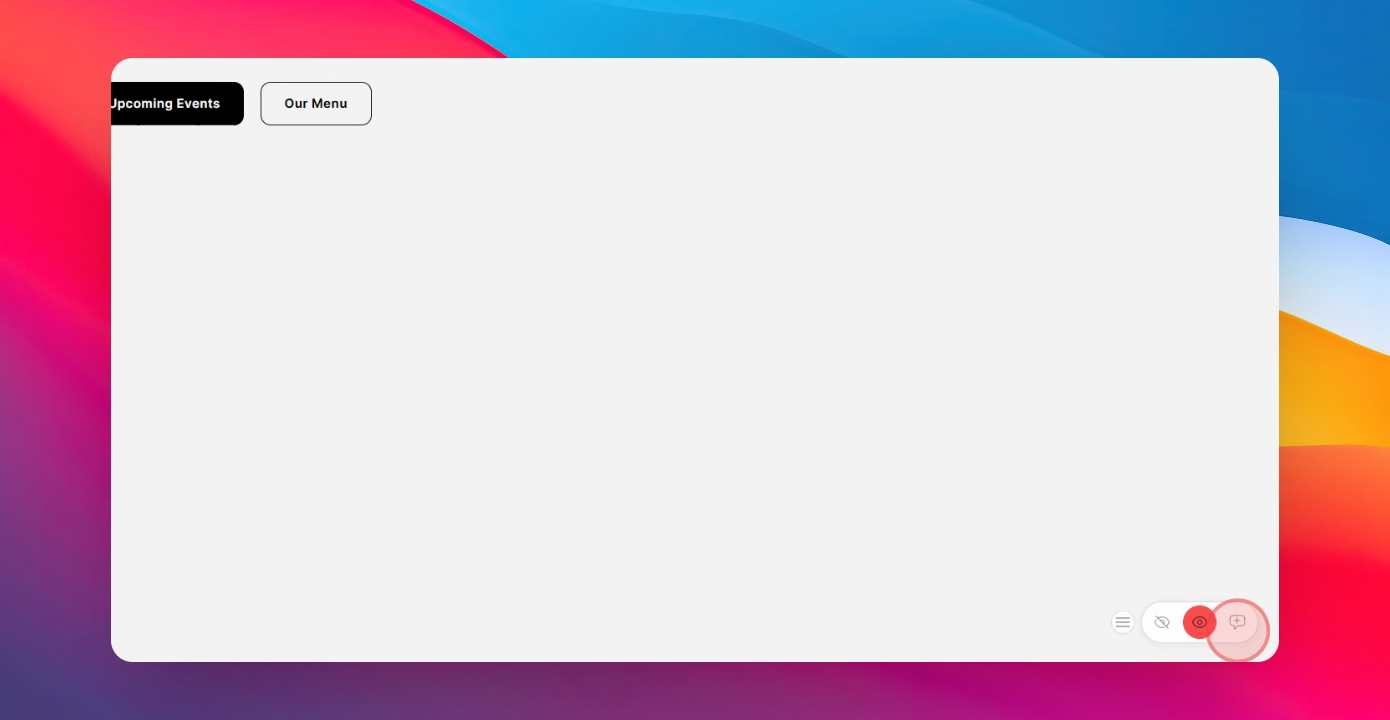
Step 1: Click the Plus Icon
Start by clicking the plus icon on the bottom right-hand side of the page.
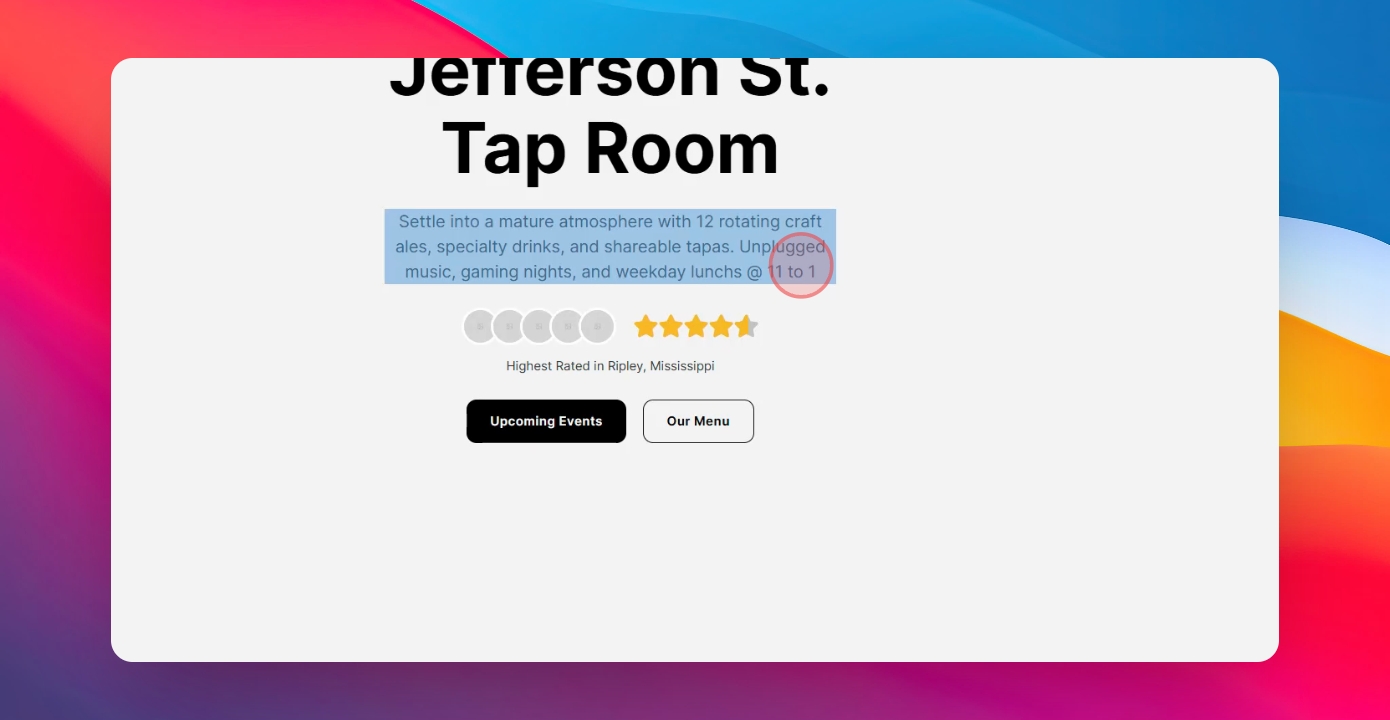
Step 2: Select Element
From there, you can select the element that you want to edit.
Step 3: Leave a Comment
Then leave your comment on the changes and hit post.
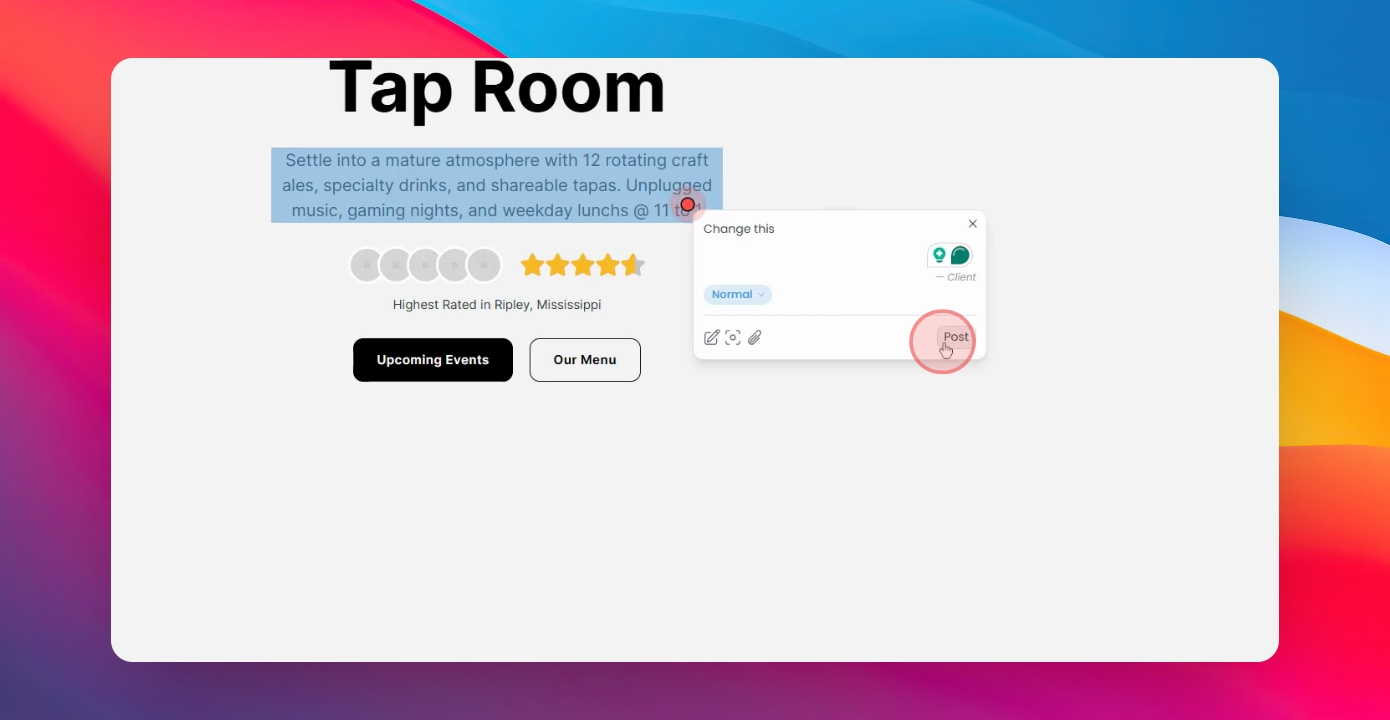
Your designer will receive the feedback and know exactly what changes you want to make.
